DevHub: Offline Task & Project Tracker
A downloadable tool for Windows and Linux
🚀 About This Tool
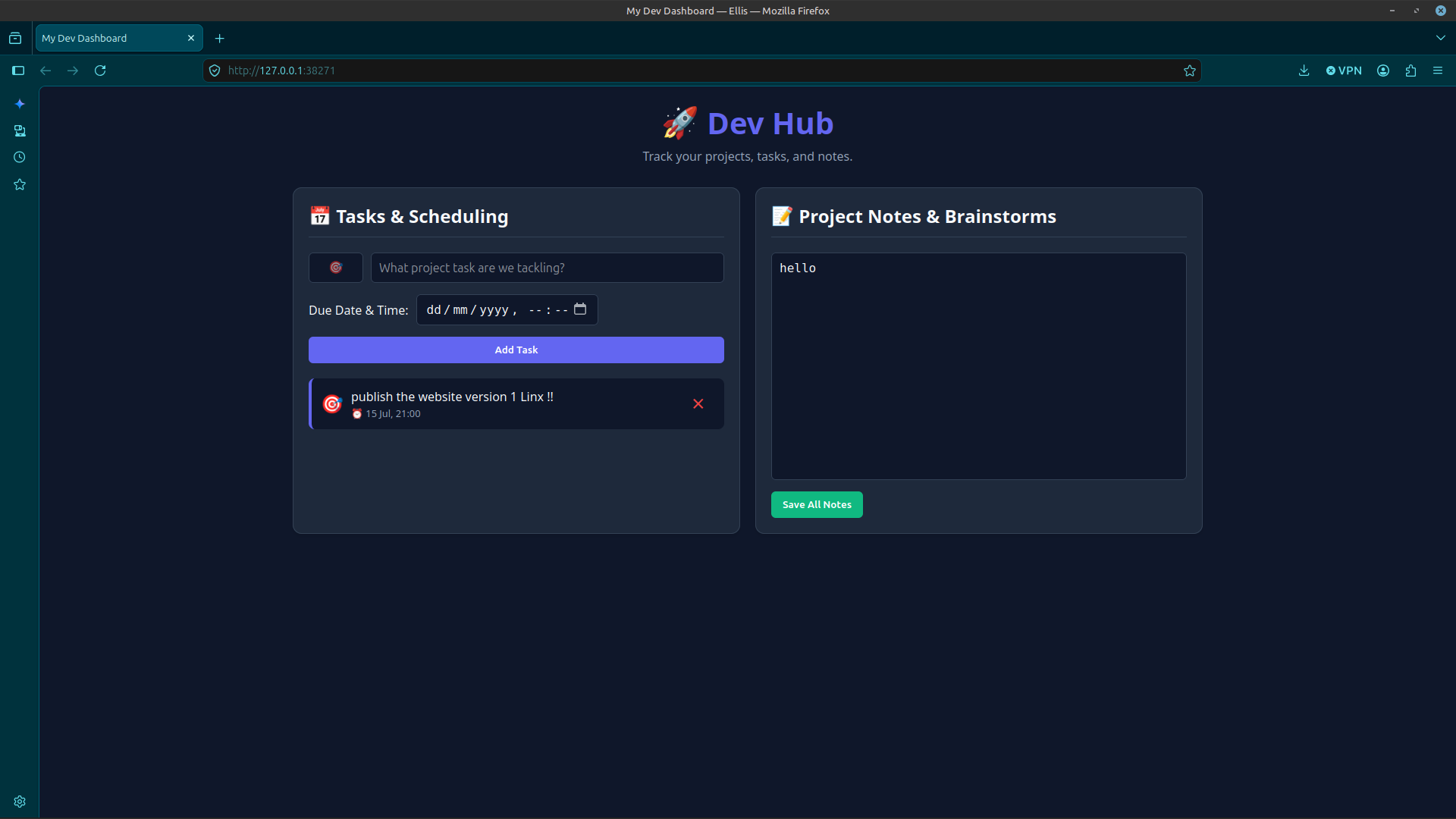
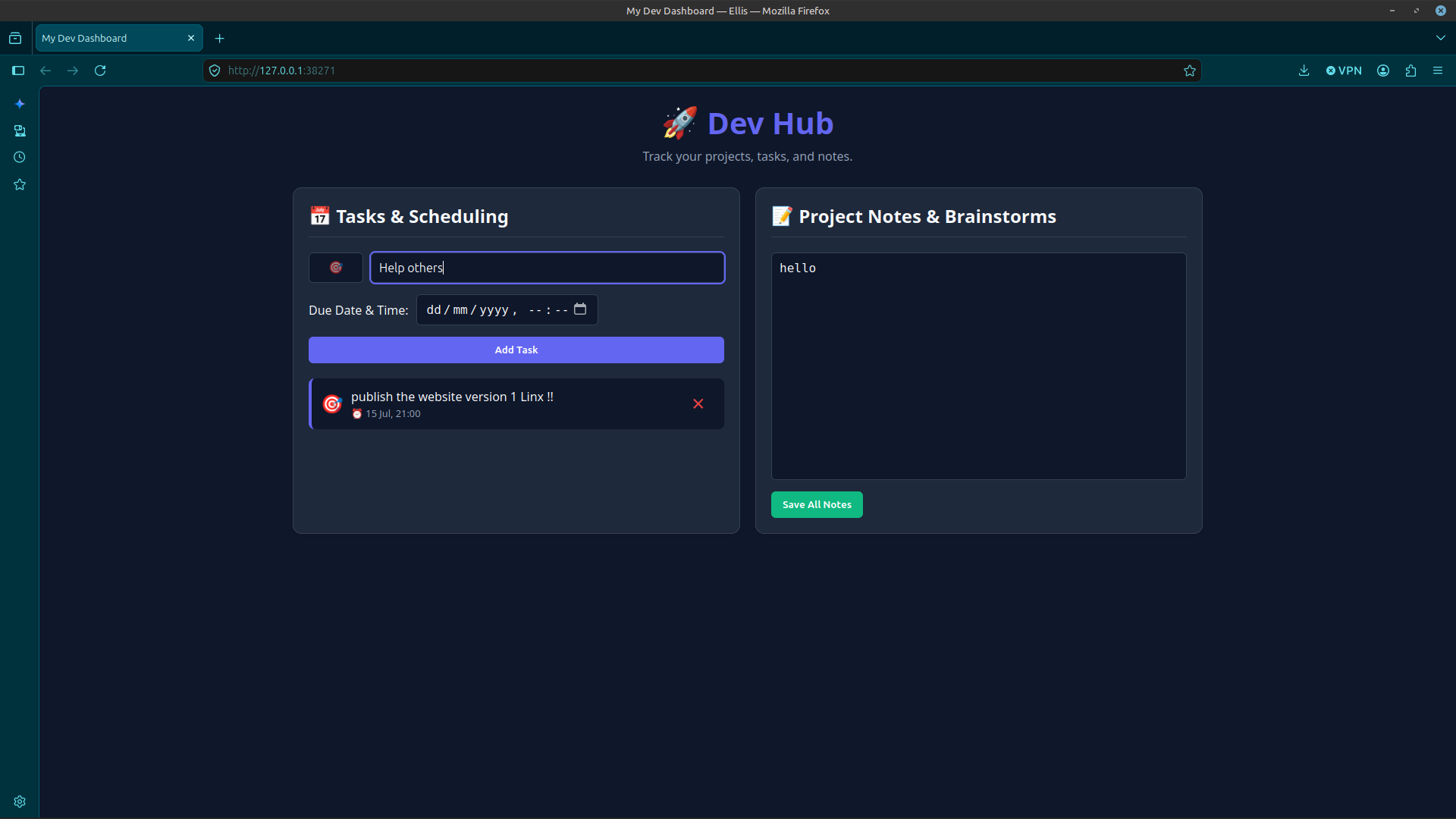
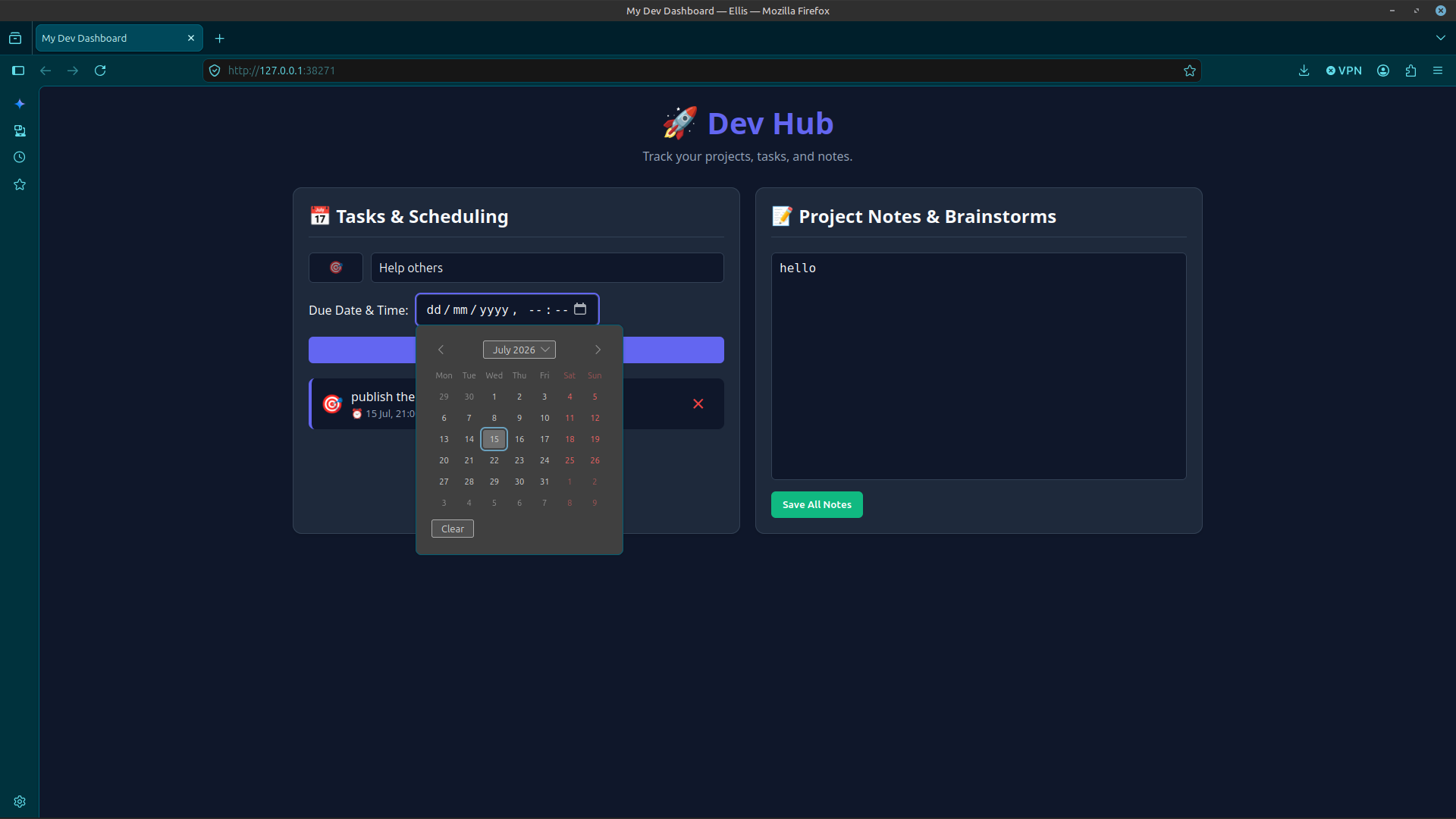
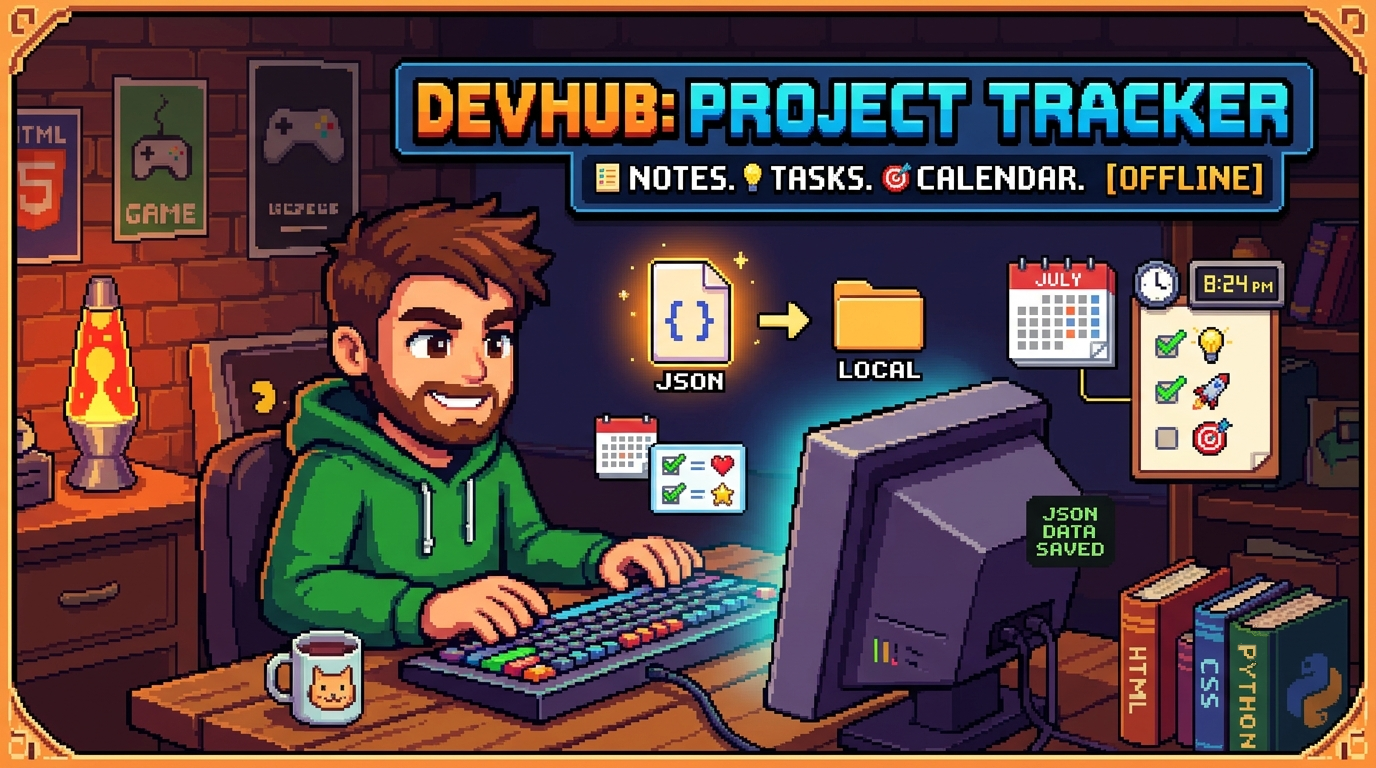
DevHub is a lightweight, fully offline, privacy-first developer dashboard designed to help you track your upcoming website projects. Built with a clean dark-mode interface, it lets you schedule tasks with emojis, keep track of due times, and write formatted notes.
Everything is saved locally to a data.json file on your computer—no external servers, no tracking, and 100% offline.
🐧 How to Run on Linux (Ubuntu, Mint, Debian, etc.)
- Download and extract the
.zipfile. - Open the extracted folder.
- Double-click the
appfile to launch! - (Your default web browser will automatically open to display your dashboard. To close the app, simply close the terminal window that opened in the background).
Note: If double-clicking doesn't work, right-click the app file, go to Properties -> Permissions, and ensure "Allow executing file as program" is checked!
For Windows
- Download: Click the Download button to get the latest
.zipfile for Windows. - Extract: Once downloaded, right-click the file and select "Extract All..." to unzip the folder.
- Launch: Open the extracted folder and double-click
app.exeto start the dashboard.
Note: On your first launch, Windows may show a "Protected your PC" prompt. Simply click "More info" and then "Run anyway" to proceed.
Download
Install instructions
🐧 How to Run on Linux (Ubuntu, Mint, Debian, etc.)
- Download and extract the
.zipfile. - Open the extracted folder.
- Double-click the
appfile to launch! - (Your default web browser will automatically open to display your dashboard. To close the app, simply close the terminal window that opened in the background).
Note: If double-clicking doesn't work, right-click the app file, go to Properties -> Permissions, and ensure "Allow executing file as program" is checked!
For Windows
- Download: Click the Download button to get the latest
.zipfile for Windows. - Extract: Once downloaded, right-click the file and select "Extract All..." to unzip the folder.
- Launch: Open the extracted folder and double-click
app.exeto start the dashboard.
Note: On your first launch, Windows may show a "Protected your PC" prompt. Simply click "More info" and then "Run anyway" to proceed.
Development log
- Just Added Windows!!1 hour ago