ZoneTech OS
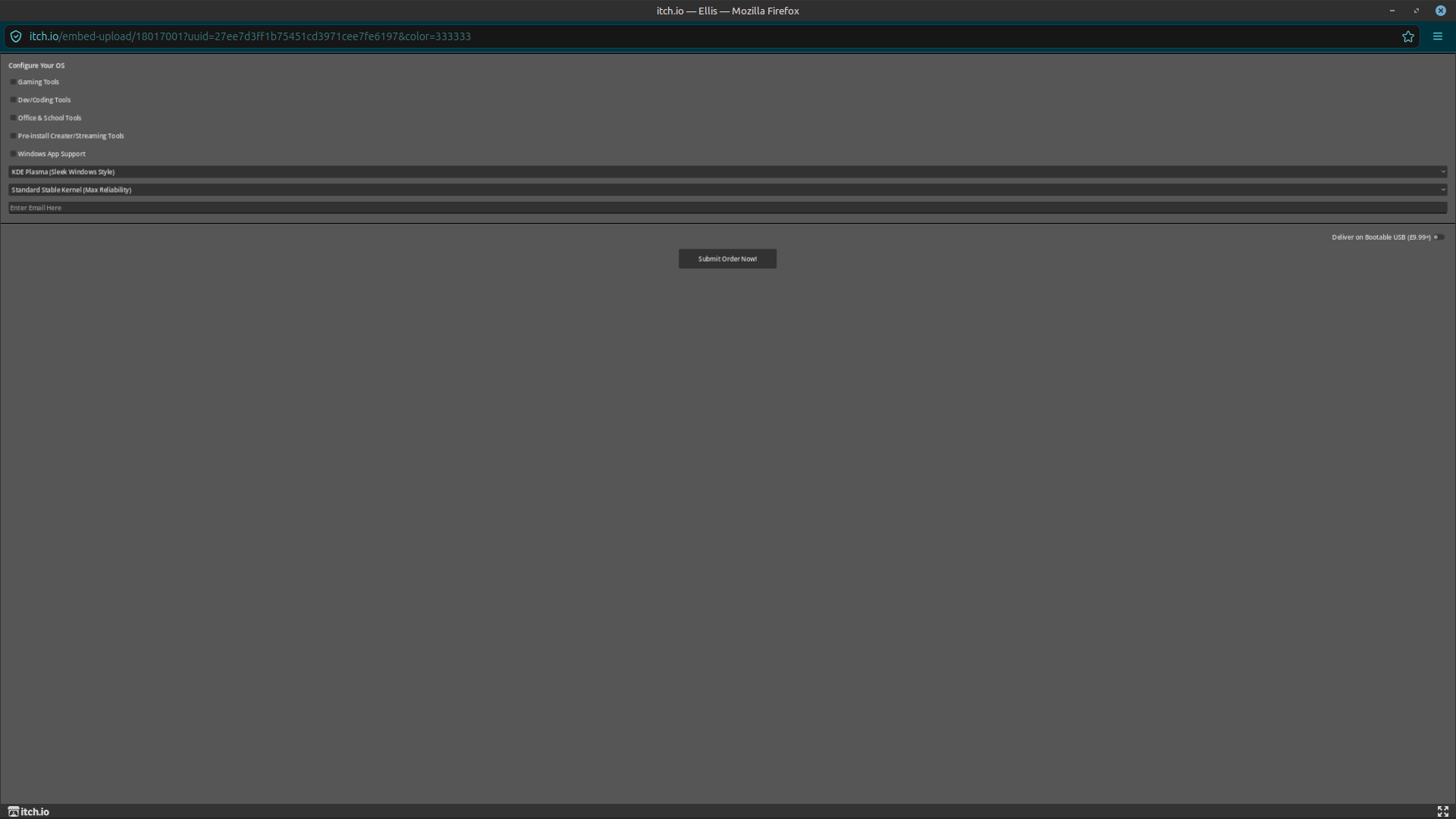
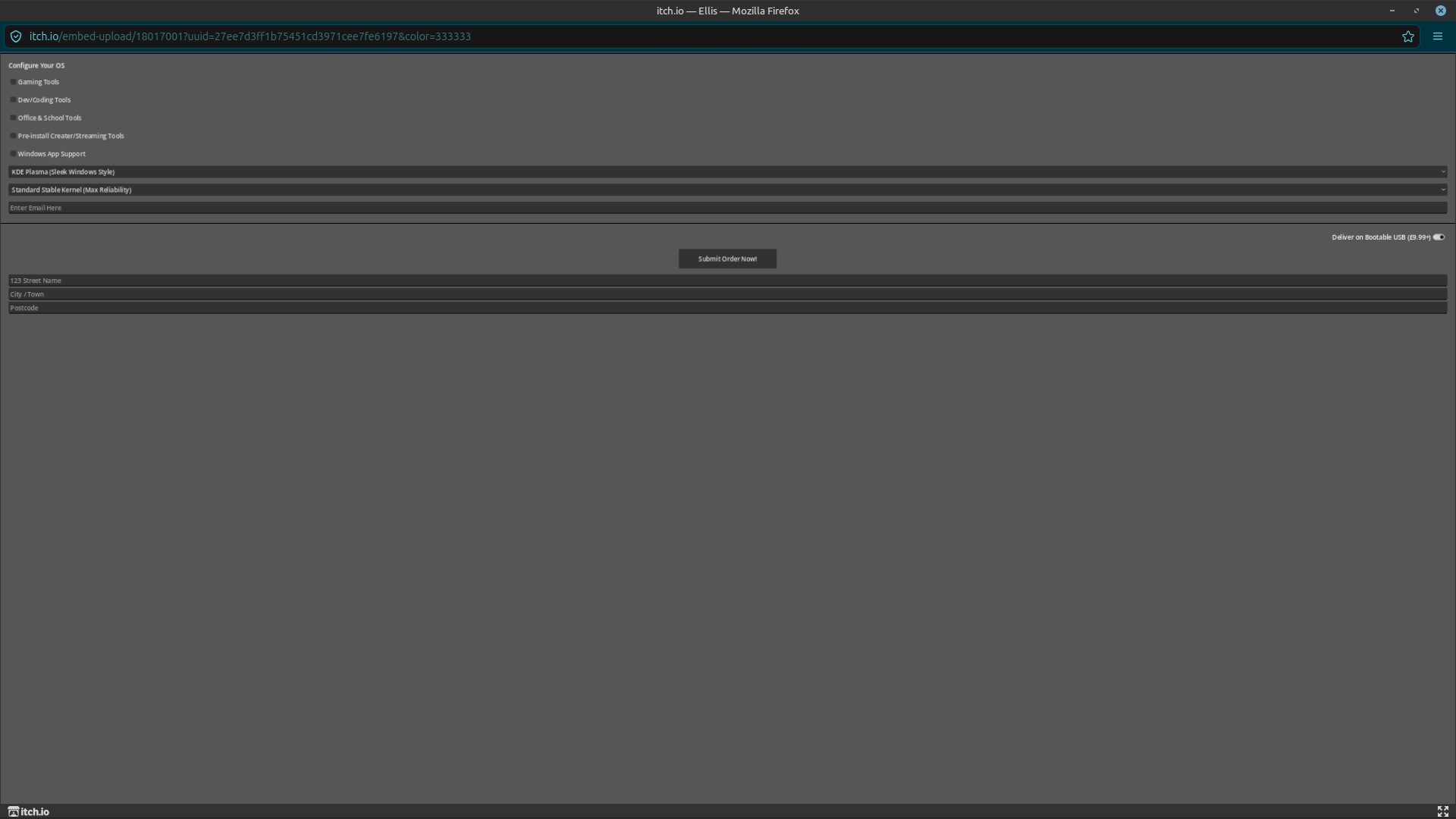
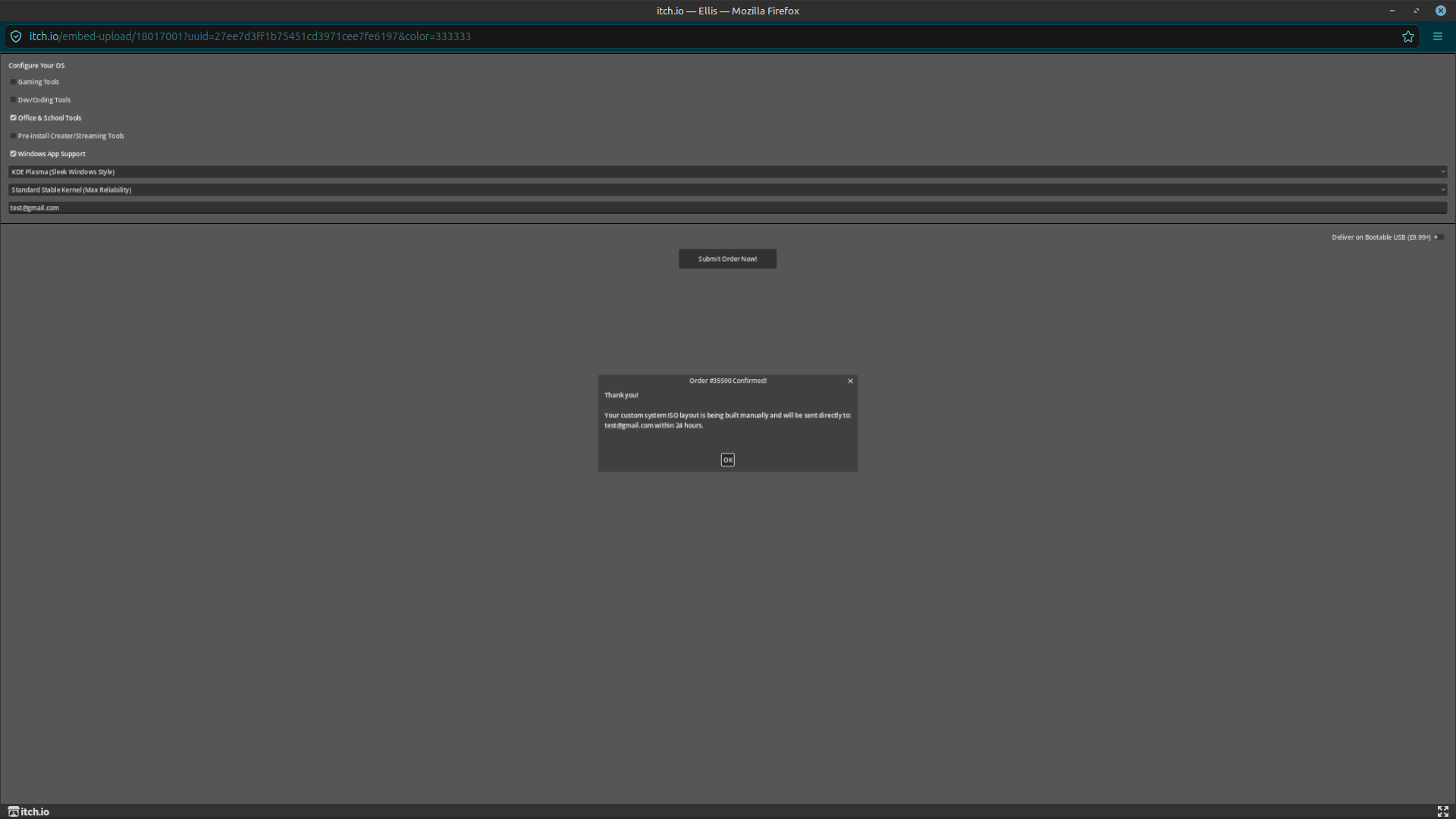
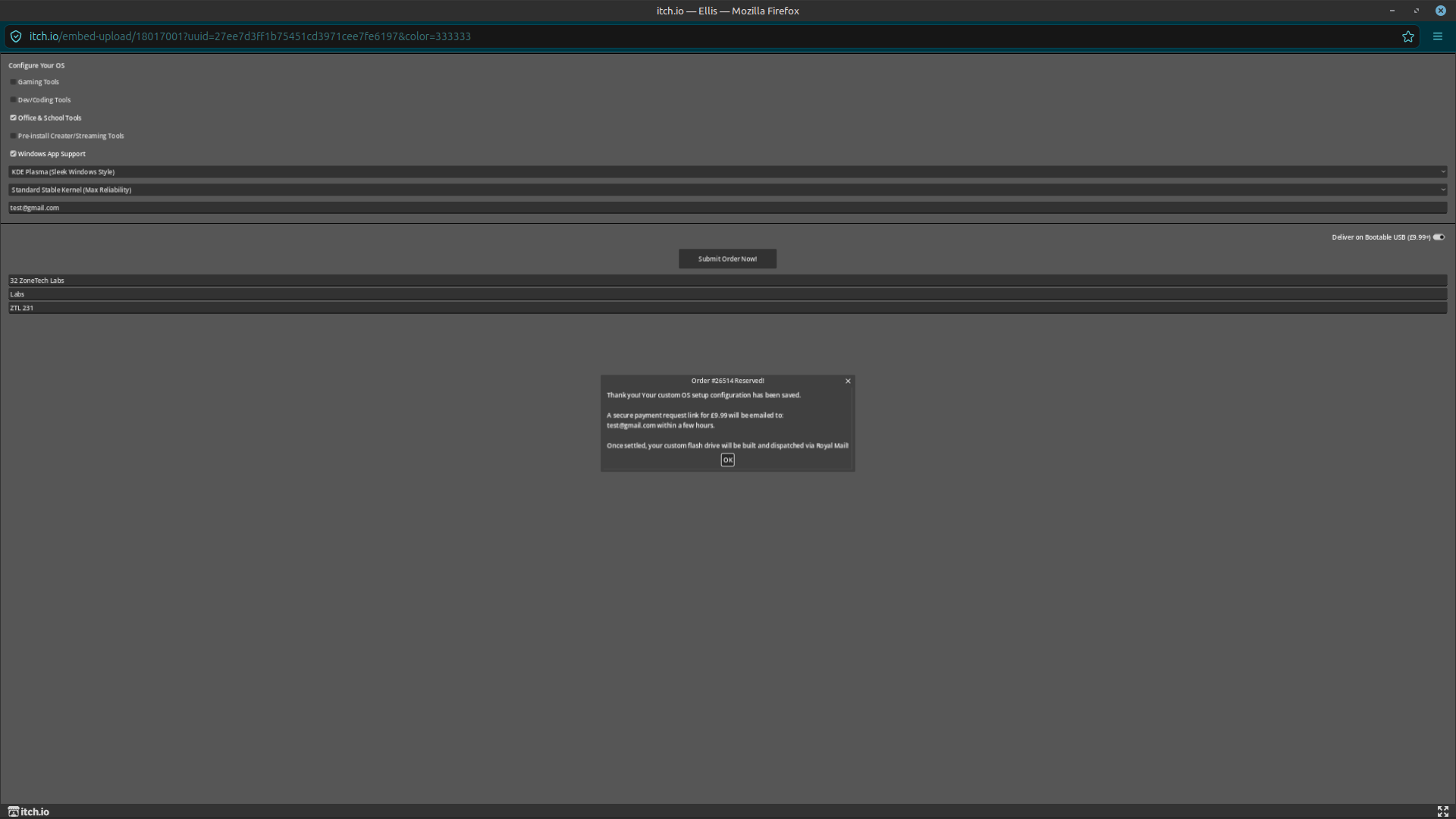
 ZoneTech OS — Custom Linux Deployment HubBuilt from the ground up to be ultra-fast and fully responsive, this application serves as your direct bridge to our deployment server. Simply check your preferred system packages, configure your desktop layout, and submit your order—our automated backend system captures your exact specs instantly.
Key Features
Bare-Metal Linux Speeds: Fully optimized interface designed for seamless performance across both web browsers and mobile devices.
Instant Spec Submission: Wire your custom system requirements directly into our active deployment pipeline with a single click.
Modular Configuration: Easily select your preferred desktop environments, specialized kernel features, and pre-installed developer or creative software suites.
Dual-Platform Availability: Play directly in your browser for a quick preview, or download our lightweight native Android application for full-screen management on the go.
Built with Cutting-Edge Tech
ZoneTech OS is an indie software deployment project engineered using the Godot Engine 4 ecosystem, compiled down to lightning-fast WebAssembly (.wasm) for native browser rendering, and exported to lightweight Android binaries (.apk) using pure, non-blocking asynchronous GDScript. All real-time system orders are piped securely through custom network webhooks for instant verification.
Configure your layout, toggle your packages, and deploy your custom system today!
COPYRIGHT - ZoneTech Labs , All Rights Reserved.
Please contact us via email for any help and support. Or message up directly through the open chat on itch.io.
zonetech.labs@gmail.com
Download
Install instructions
 How to Download & Install the Android App
Step 1: Download the App
Scroll down to the Download section at the bottom of this page.
Click the Download button next to ZoneTechOS.apk to save the installer file directly to your phone.
Step 2: Enable "Unknown Sources" (If Prompted)
Because this app is downloaded directly from itch.io rather than the Google Play Store, Android requires you to give your browser permission to open it.
Once the download finishes, tap the completed notification or open your phone's Files / Downloads app and tap ZoneTechOS.apk.
If a security window pops up saying "Your phone is not allowed to install unknown apps from this source," click Settings right on that popup.
Toggle the switch to Allow from this source (or Turn on Unknown Sources), then hit the back button.
Step 3: Install and Launch!
Tap Install on the prompt that appears.
If Google Play Protect shows a pop-up saying "Blocked by Play Protect" (because the app is a fresh indie project without a massive corporate digital certificate), simply click Install Anyway.
Once the installation completes, tap Open!